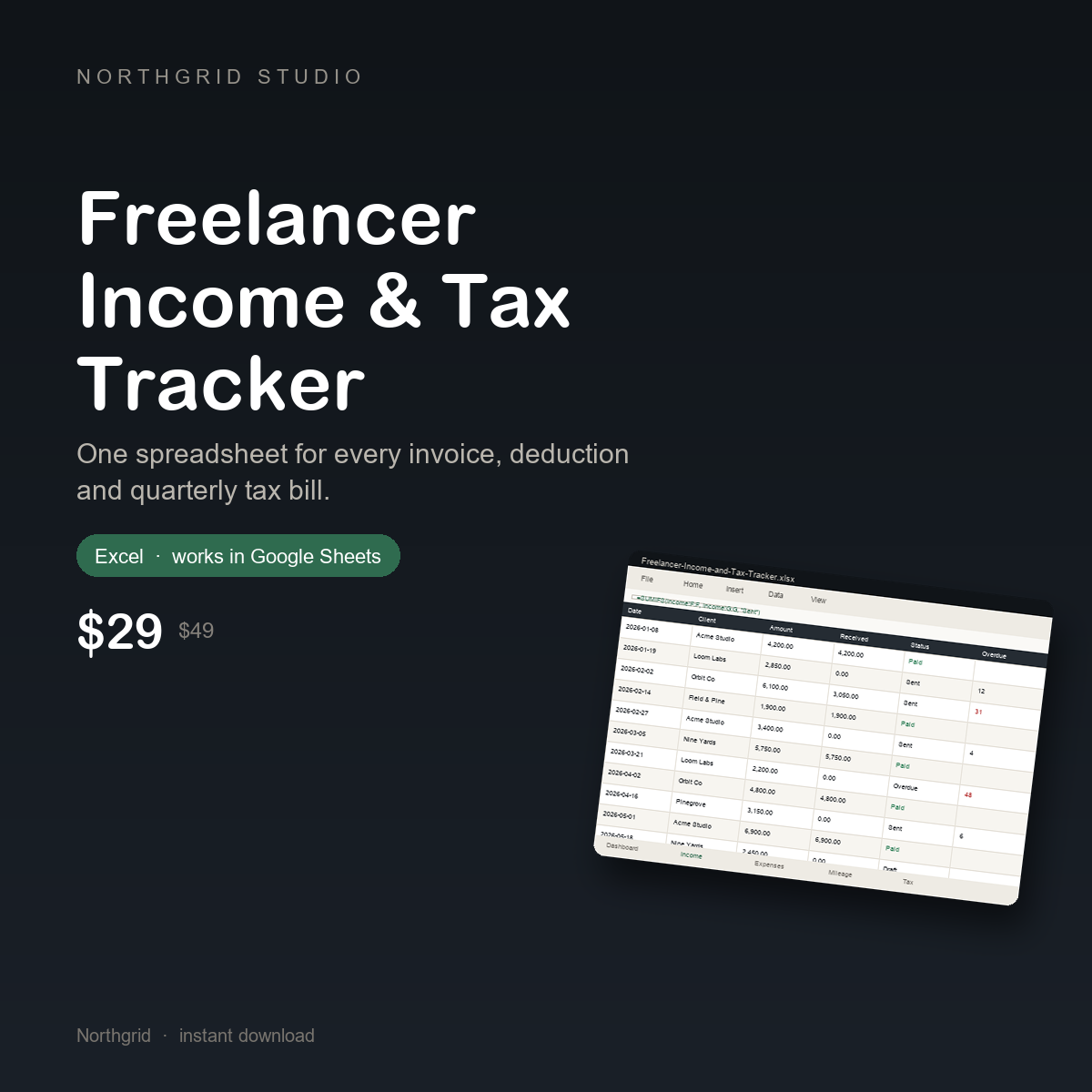
Freelancer Income & Tax Tracker
You are not bad with money. You just never built the one sheet that shows where it went.
Freelancers earn in lumps and pay tax in lumps, and those two events never line up. By the time the quarterly bill arrives, the money has already been spent, borrowed or quietly absorbed by a software subscription you forgot about in March. This workbook fixes the sequencing problem, not your discipline.
WHAT YOU GET
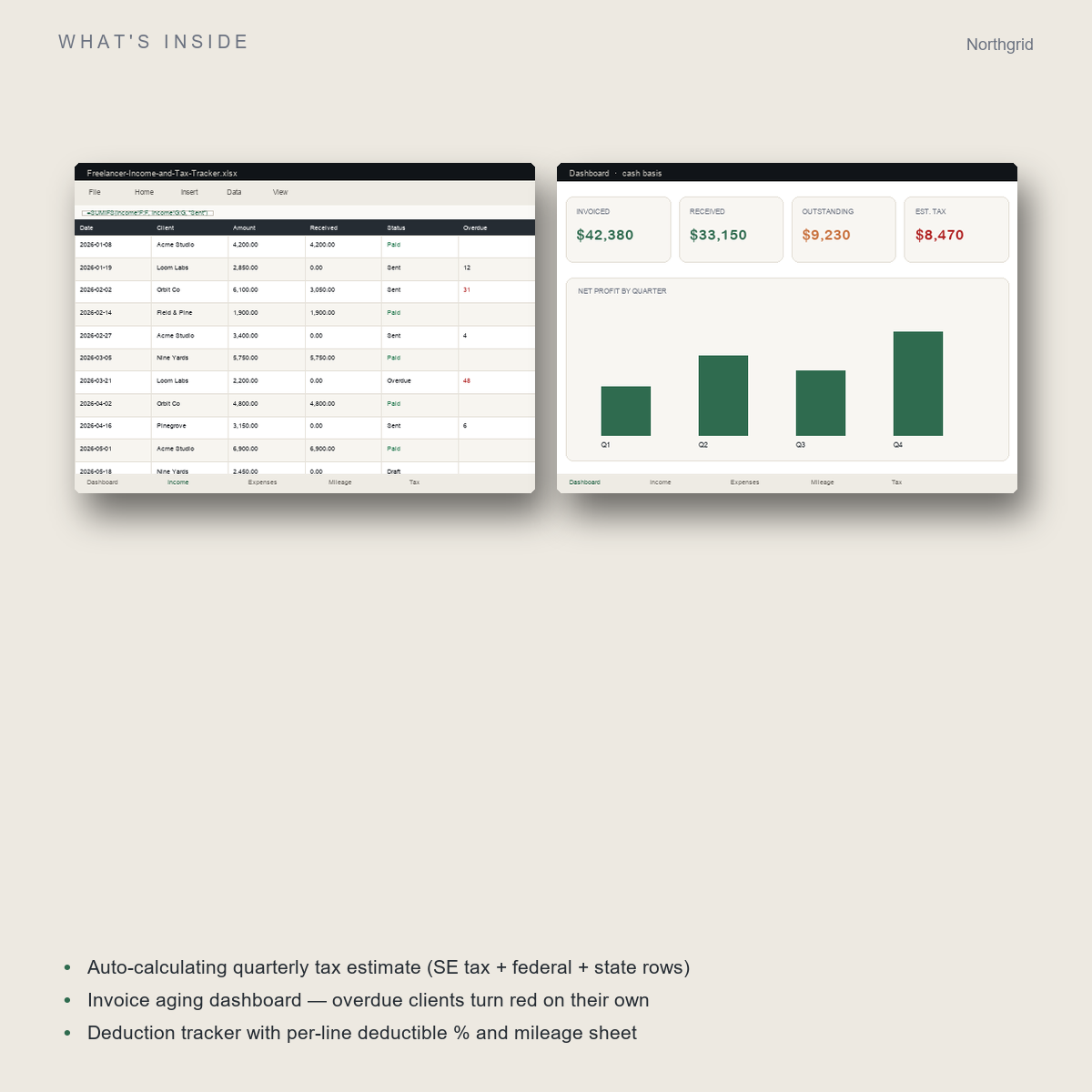
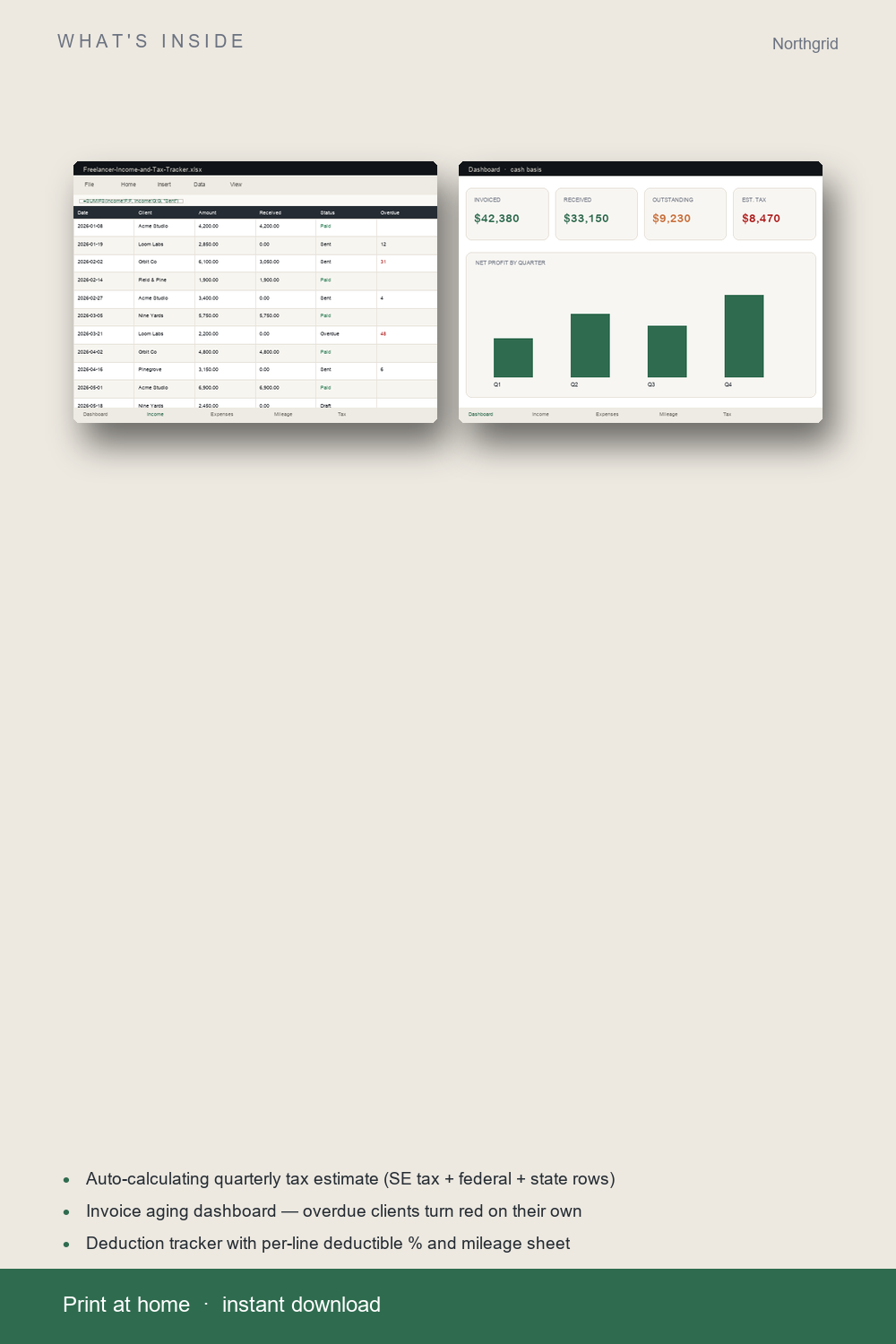
- Auto-calculating quarterly tax estimate (SE tax + federal + state rows)
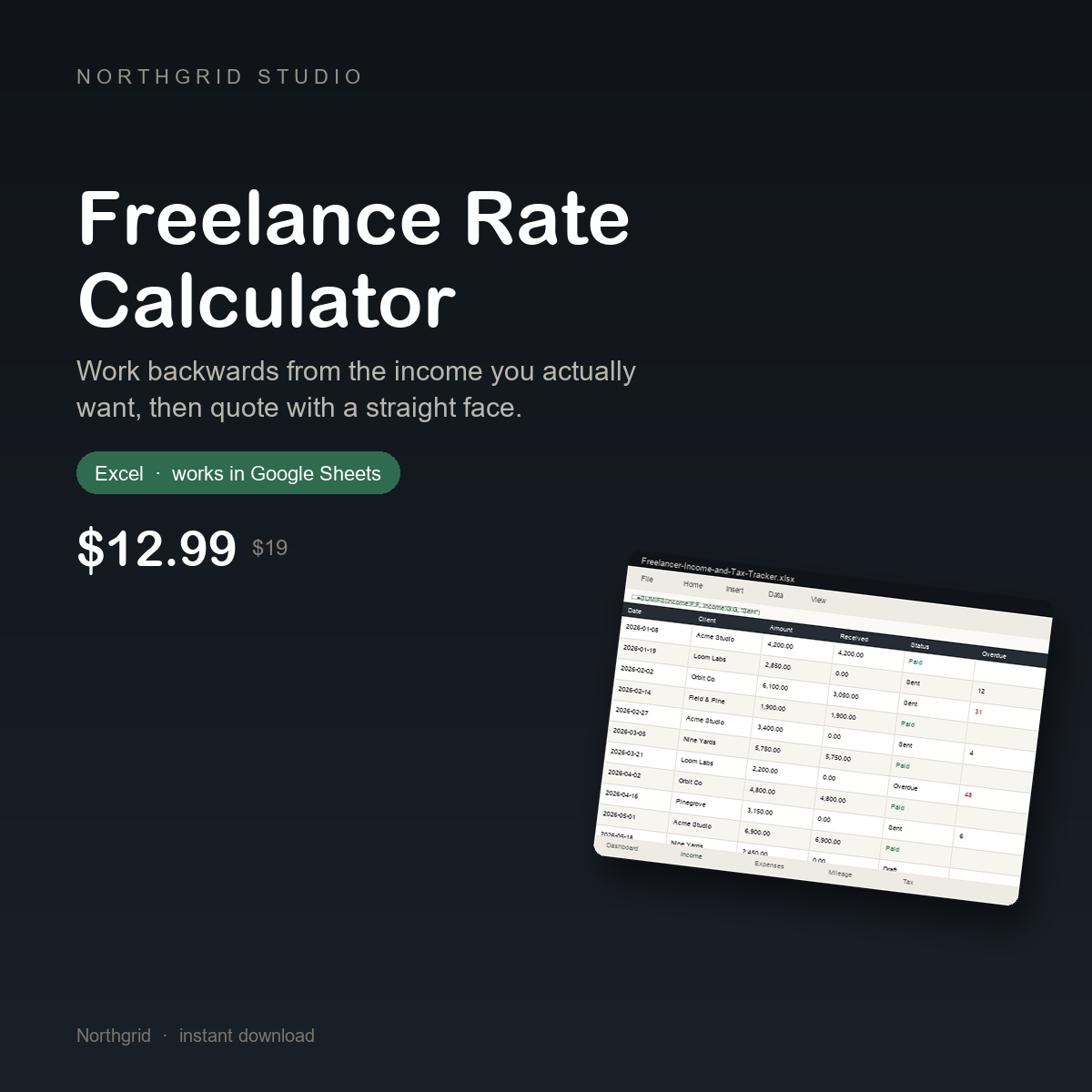
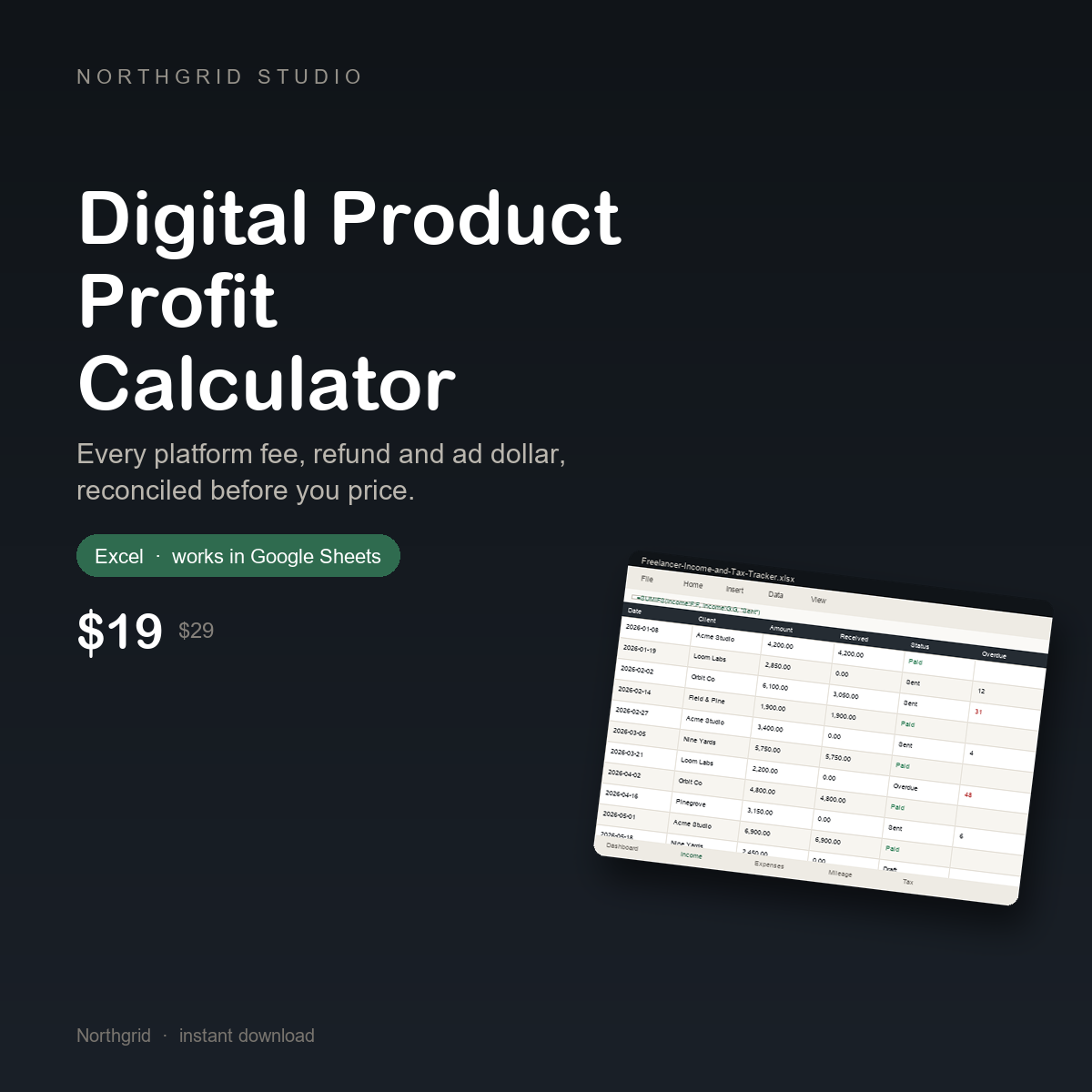
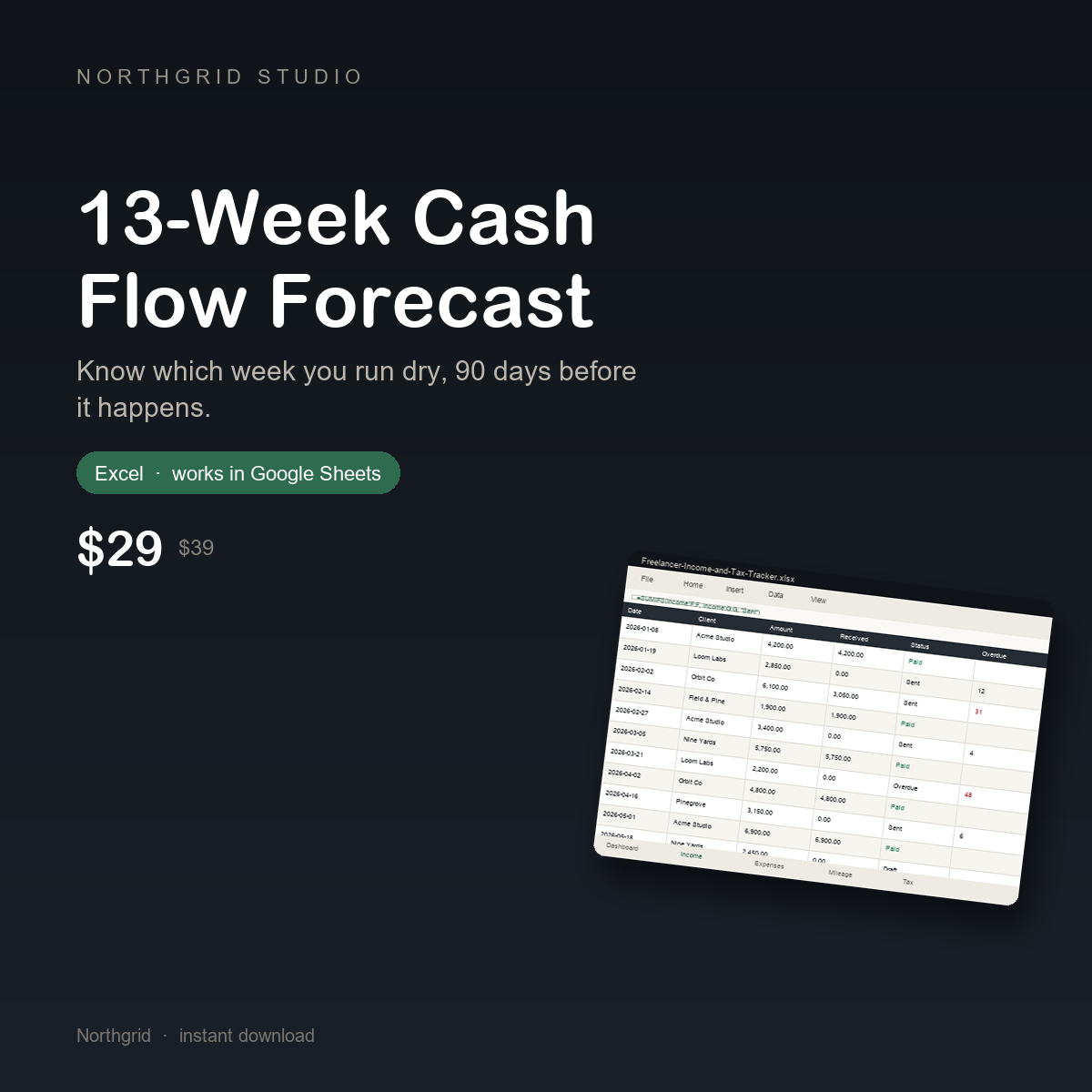
- Invoice aging dashboard — overdue clients turn red on their own
- Deduction tracker with per-line deductible % and mileage sheet
- Works in Excel and Google Sheets (import tab included)
- Zero macros — nothing to enable, nothing to break
HOW TO USE IT
1. Fill the Settings tab once: your tax year, filing status, marginal rate and standard deduction.
2. Log invoices on Income as you send them. Status moves Draft -> Sent -> Paid; overdue days calculate themselves.
3. Log spending on Expenses with the deductible percentage per line. Mixed-use purchases do not get 100%.
4. Check the Dashboard every Monday. It shows cash received, outstanding, and what you owe in tax.
5. Pay the quarterly instalment it calculates. Then stop thinking about tax until the next quarter.
DETAILS
- Format: .xlsx workbook, 5-7 tabs, no macros
- Works with: Microsoft Excel 2016+, Google Sheets (import)
- Delivery: instant download
- Updates: free for the life of the product
- Licence: single-user commercial use inside your own business
- Support: canvascn00@gmail.com
WHO IT IS FOR
US/EU/AU freelancers and solo consultants
If this is the problem you keep putting off, it is the shortest path to fixing it.
WHY NOT AN APP
Why a spreadsheet instead of an app: an app holds your numbers hostage and charges monthly. This file opens in Excel or Google Sheets, has no macros to enable, and still works in five years.
Freelancer Income & Tax Tracker · $29 · Northgrid Studio
Rates are editable. The defaults reflect common US federal settings and are not tax advice.